Offline-first finance that actually reconciles .

Personal finance and a real point-of-sale toolkit, in one app that works without internet and never silently overwrites your data.

Launching 17 August 2026

Time until launch
33 days
13 hours
03 minutes
58 seconds

Join the waitlist

Get it on Google Play
iOS — coming soonApp Store

Free. Offline-first. Encrypted backups. No silent data loss.

Why Finanxy

Real commitments, not marketing fluff.

  • Accounting-correct, not a spreadsheet

    Finanxy uses real accounting accounts (Assets, Liabilities, Equity, Income, Expenses). Every movement is a balanced entry. Money values use decimal precision end to end.

    “Where did my money go?” stops being a guess.

  • Offline-first by design

    Your data lives on your device first. The app is fully usable with no network. Cloud is an enhancement, never a dependency.

    No “service unavailable” mid-checkout. No lost edits on a flaky connection.

  • One app, many journals

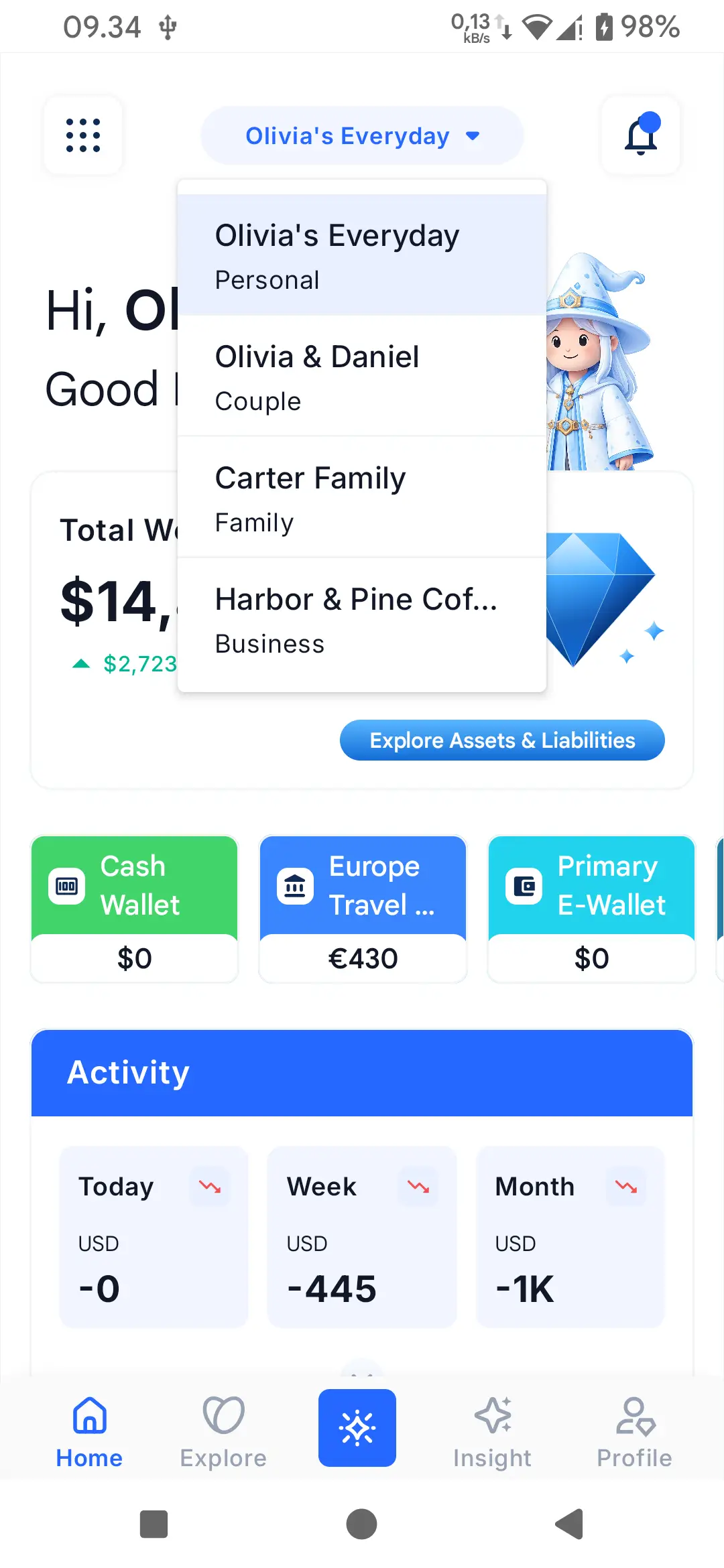
    A journal is a self-contained accounting world. Personal, Family, Couple, Business. Each journal has its own data, its own settings, and its own insights. Business journals unlock a full POS toolkit.

    Your coffee shop's till and your household budget never bleed into each other.

  • No silent data loss

    CSV import is strict and atomic. Restore is full-replace and validated before any destructive action. Sync conflicts are surfaced for you to resolve — never silently overwritten.

    You can trust the app to tell you when something needs your attention, not paper over it.

Built for you

Four ways to use Finanxy. One app.

  • The individual

    Pain

    “I have three bank apps, a spreadsheet, and still don't trust my numbers.”

    Outcome

    “I track expenses, see insights, and know my real net worth without doing the math.”

  • The couple or family

    Pain

    “We share some money, but we also have our own. Spreadsheets get messy and out of sync.”

    Outcome

    “One shared journal for the household, separate personal journals when we need them.”

  • The small business owner

    Pain

    “I run a shop. I need to take orders, track stock, manage staff — from my phone.”

    Outcome

    “A full point-of-sale in the same app as my personal money. Outlets, products, orders, customers, loyalty, staff, shifts.”

  • The cashier or staff member

    Pain

    “I just need to take the order and take the payment. I don't want a hundred menus in the way.”

    Outcome

    “Cashier Mode shows only what's needed: products, the order, the payment, the receipt.”

For your money, day to day

Plain tools for what you earn, what you spend, and what you're saving for.

  • All your money, in one place

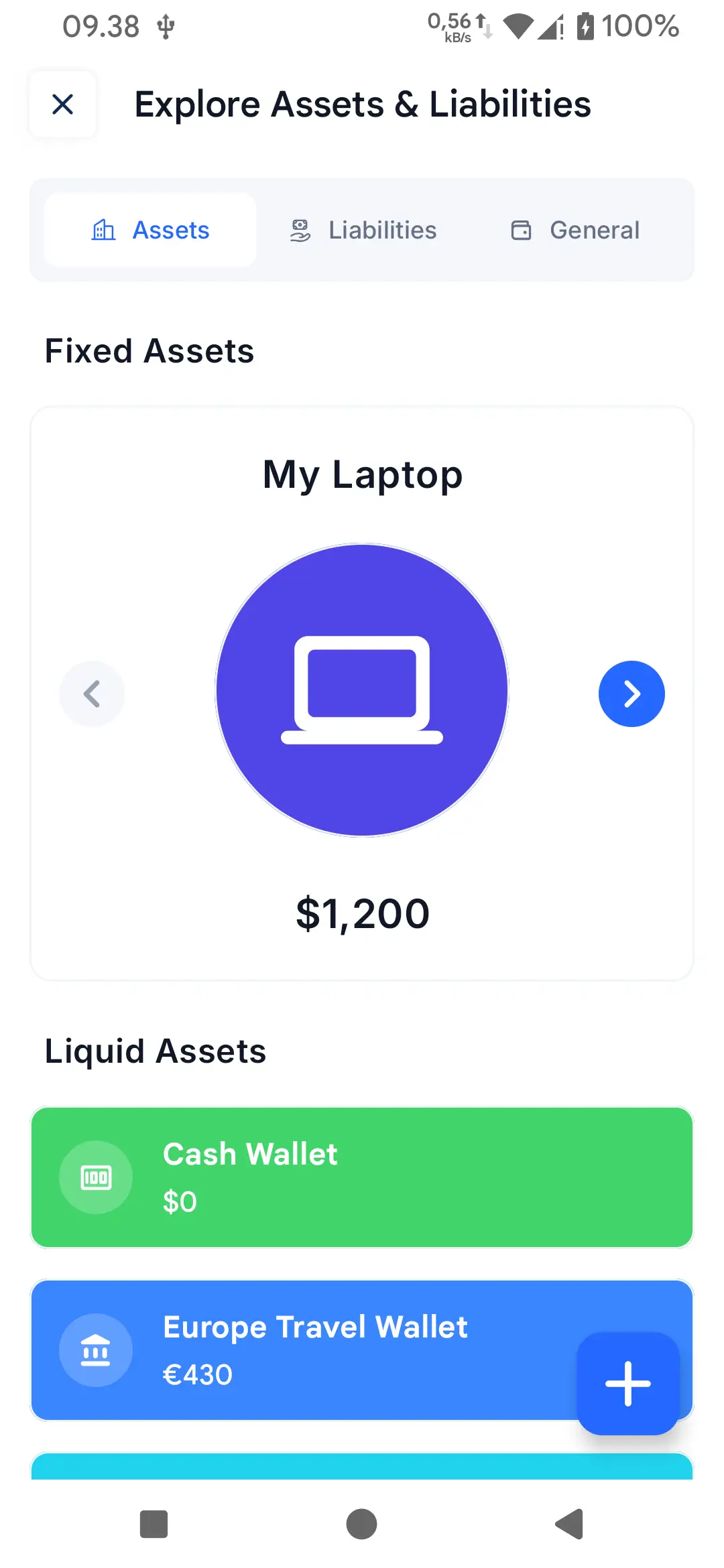
    Cash, bank, e-wallet, savings. See them together and track what moves between them.

  • Tag your spending

    Mark a coffee as a coffee, a taxi as a taxi. Reports start to add up. Save the frequent ones as a one-tap template.

  • A budget that tells you early

    Set a monthly cap per category. Get a heads-up before you cross the line, not after.

  • Save for something specific

    Pick a target, watch it grow. Each milestone is a small win.

  • Bills, on schedule

    Schedule what's coming up. Get a reminder the day before, log the payment on the day.

  • Heads-up for the week

    A nudge when something's about to happen, with a clear next step.

  • Snap a receipt

    Take a photo of a receipt. It becomes a draft you can review and save.

  • Move your data in or out

    Import a CSV from any other app. Export yours anytime. No rows lost in the move.

  • Backups you can trust

    Encrypted archives on Google Drive or on-device. Restore checks every row before touching data.

  • Reports in any format

    CSV or PDF. No empty pages, no missing columns. Large exports split so nothing breaks.

  • Money in more than one currency

    Set a currency per account. Travel, work abroad, freelance overseas — the math is right to the cent.

  • Open with your fingerprint

    Fast for you, locked for everyone else.

Run a small business from your phone

Everything one shop or a couple of outlets needs to take orders, track stock, and see what's happening.

  • One shop, or several

    If you have more than one location, each gets its own stock and settings. Switch between them in a tap.

  • Take an order in seconds

    Add items, pick the customer, take payment. The order screen is built for speed.

  • A simpler screen for staff

    Strip everything else away. They see products, the order, the payment, the receipt. Nothing else in the way.

  • Track what you have in stock

    Catalogue with sizes or variants, and a per-outlet count that updates as you sell.

  • Receipts and reprints

    Generate a receipt the moment a payment lands. Lost the paper? Reprint in one tap.

  • Know your regulars

    Tap a name, see their orders, vouchers, and loyalty points. Right there.

  • Loyalty in a phone

    Earn and redeem points on the order screen. No paper cards, no math at the counter.

  • Run a promotion

    Issue a voucher, send it to a customer, redeem it at checkout. Track who used what, when.

  • Tables and queues

    A visual map of your tables or spots. See what's free, what's ordered, what's paid.

  • Add your team

    Invite staff, set what they can see and do, track what they did.

  • Open and close the day

    A cashier opens the till, a cashier closes it. You see what happened in between.

See it for yourself

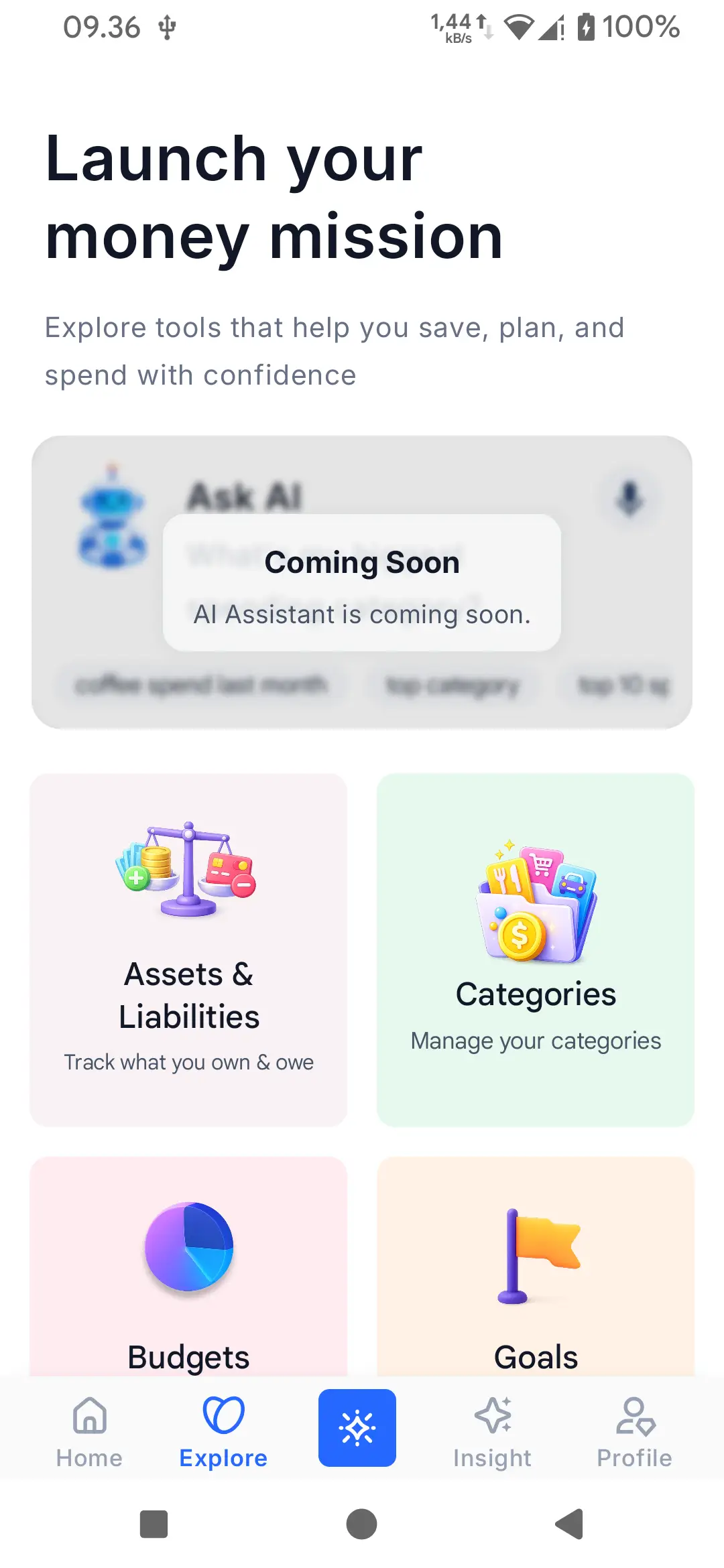
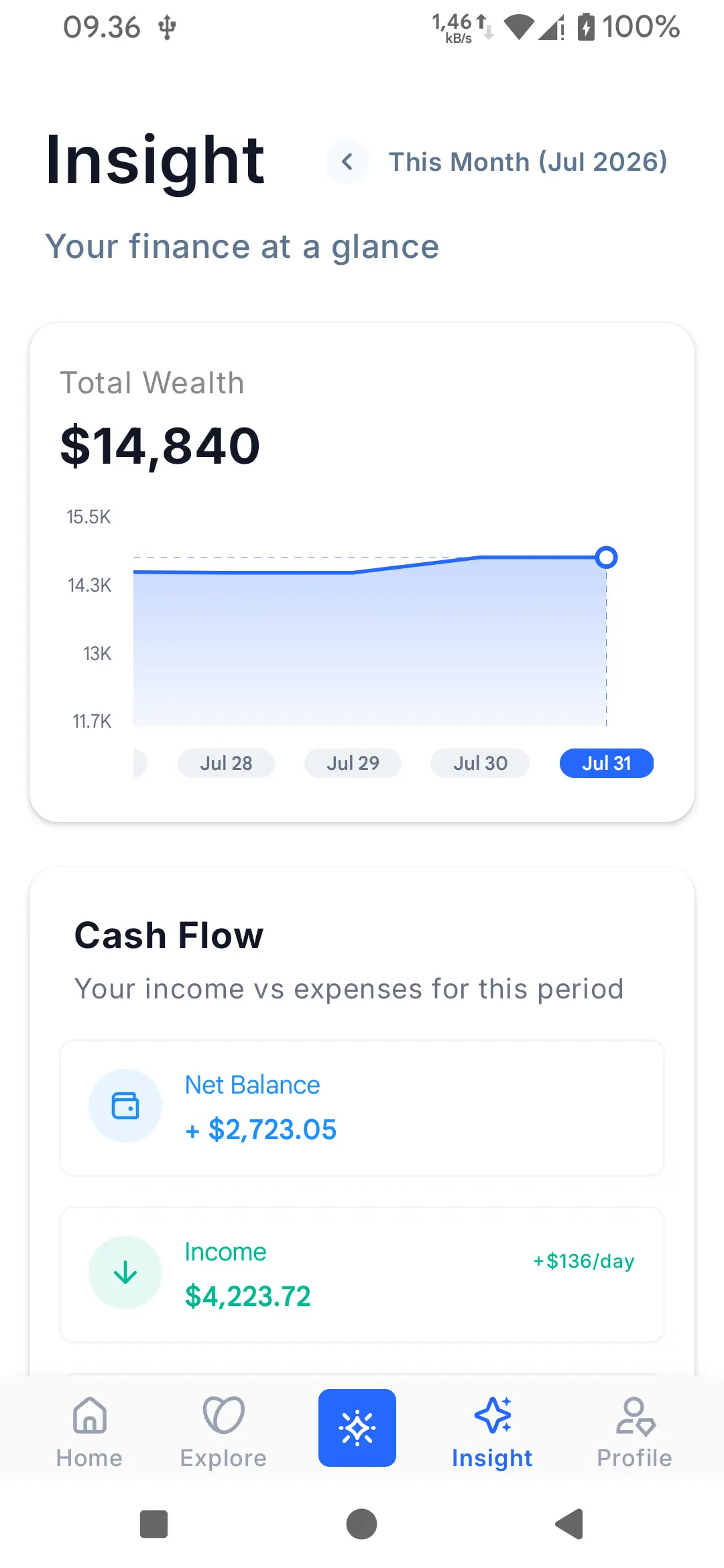
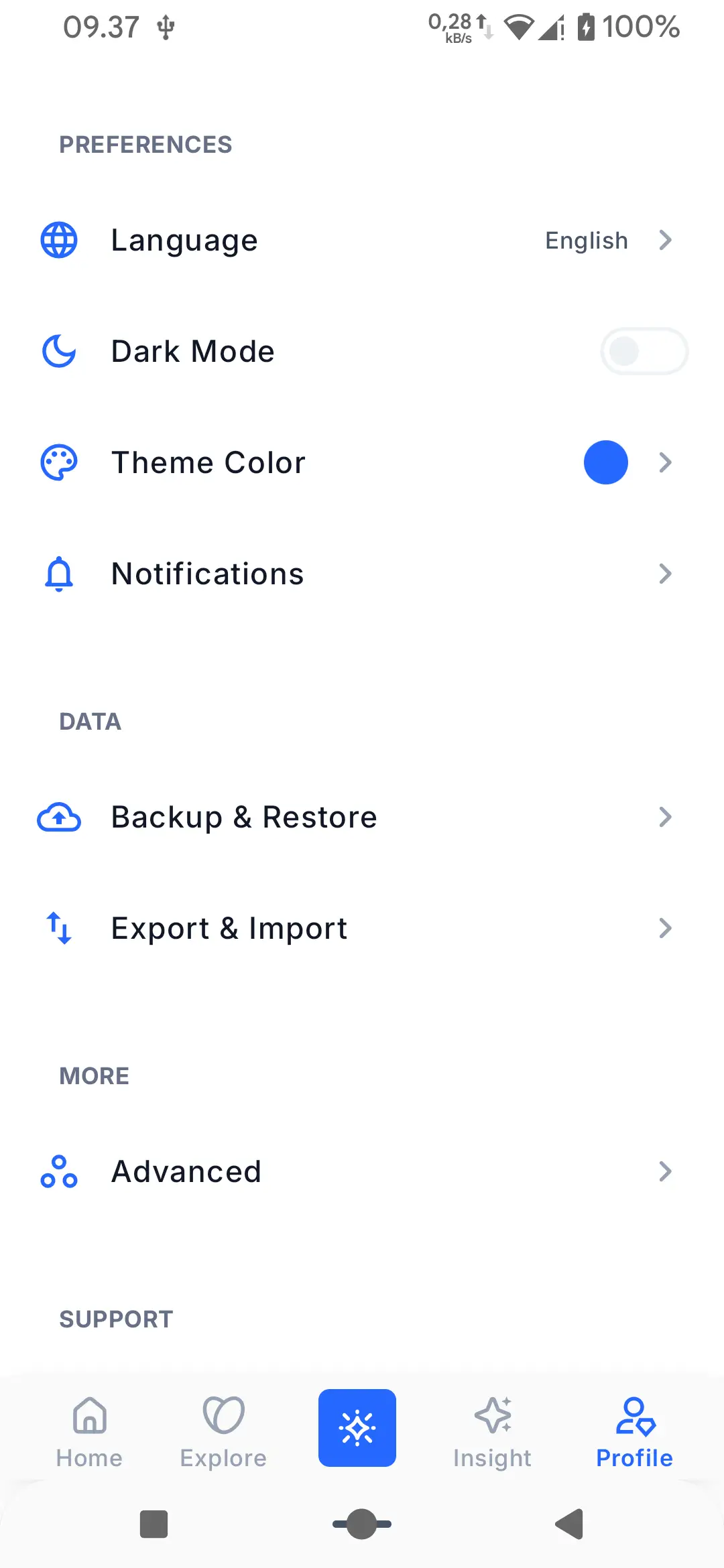
A few of the surfaces that make Finanxy feel like Finanxy.

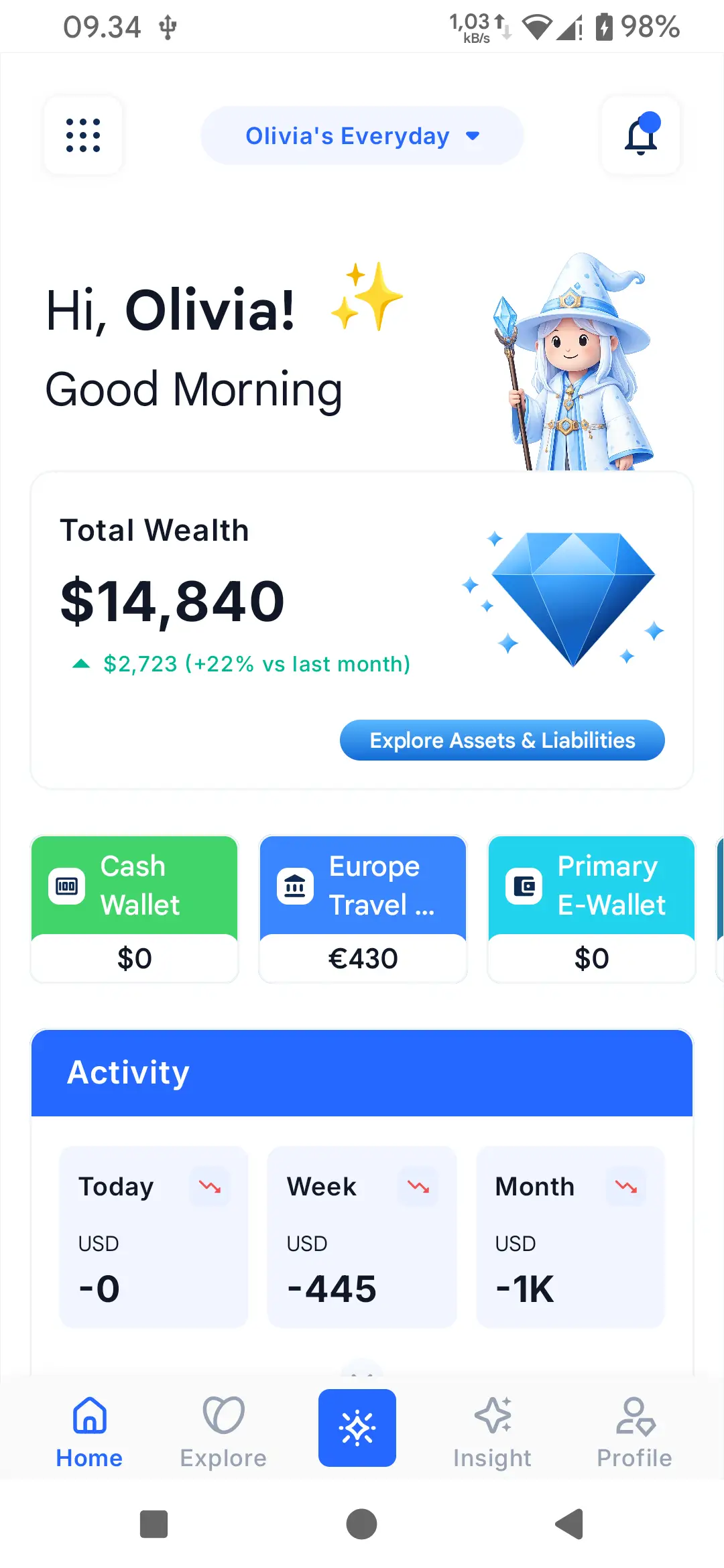
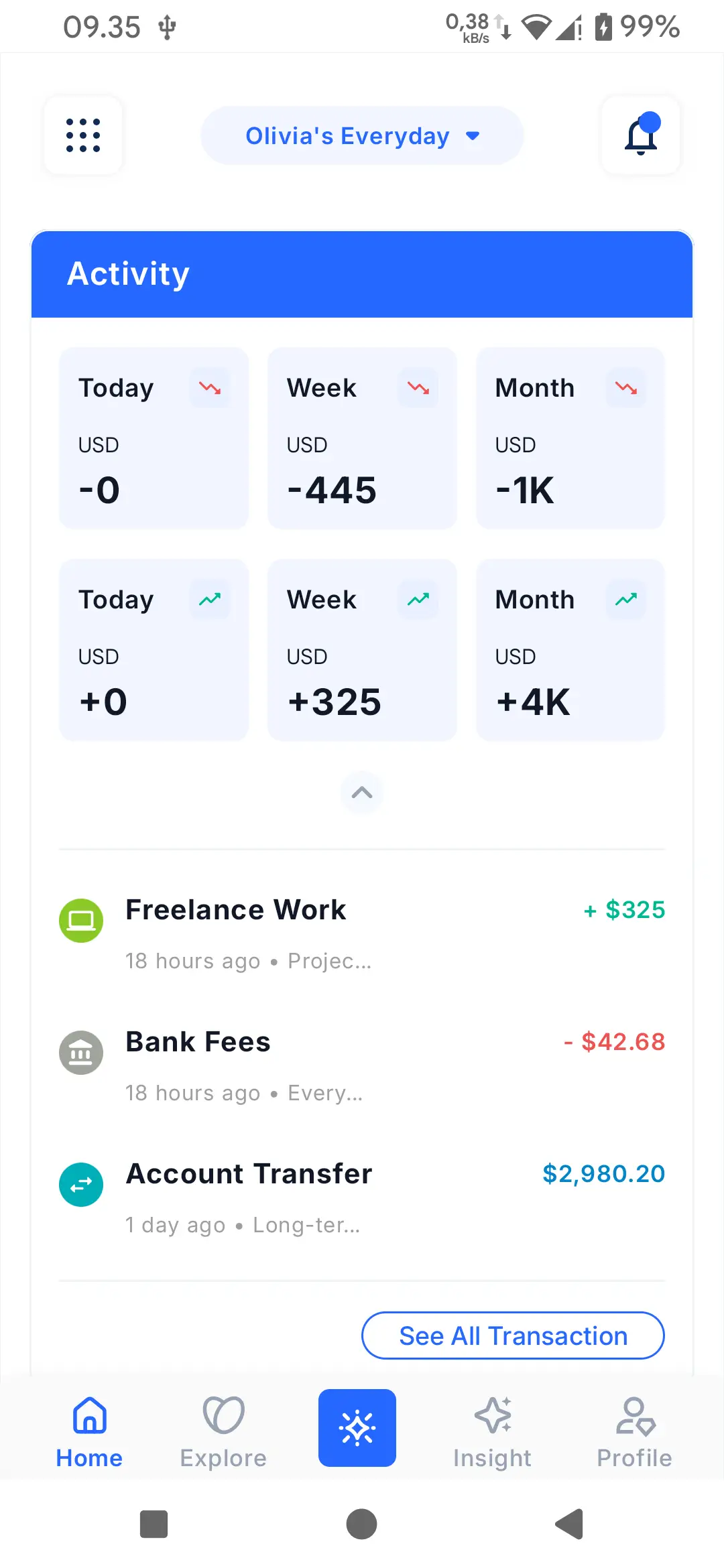
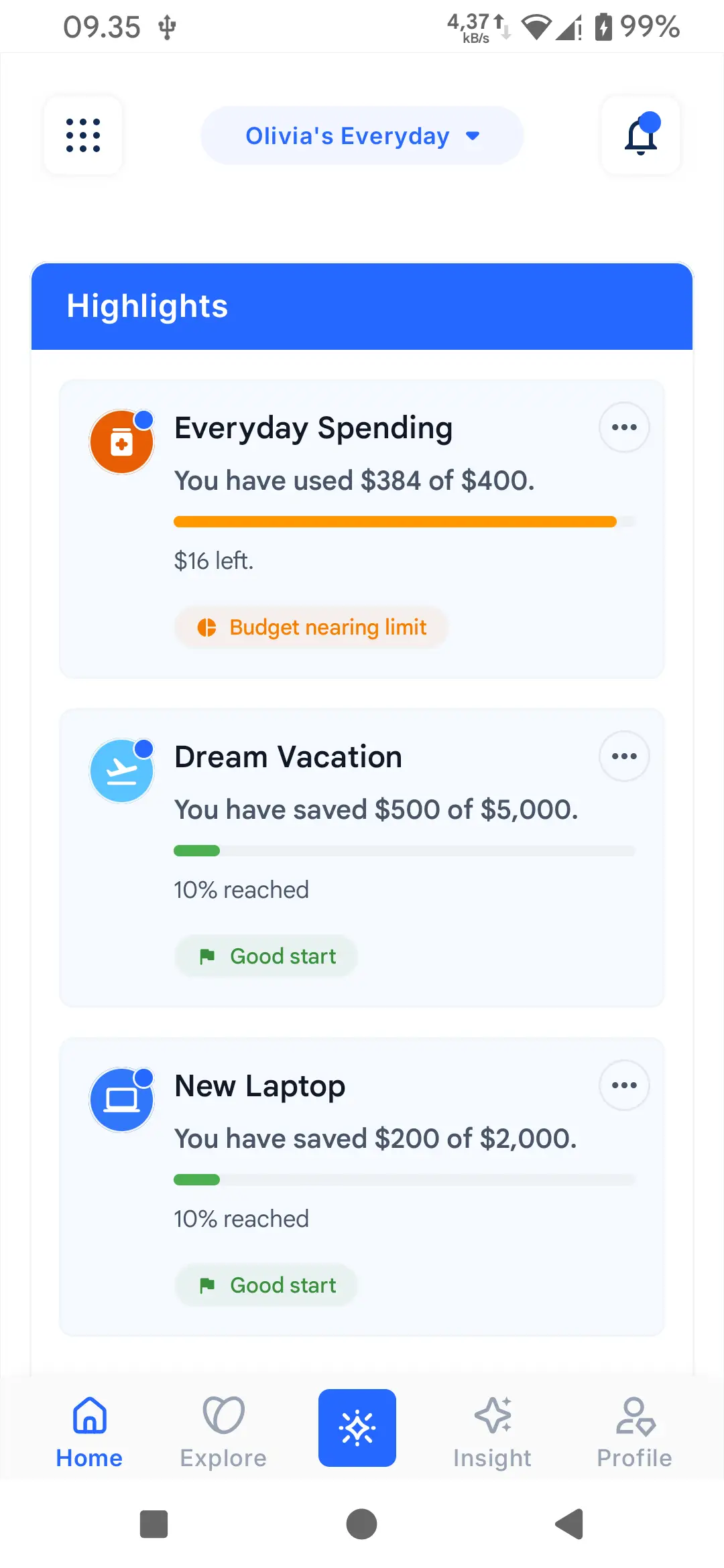
  • Finanxy Home screen with a Budget nearing limit highlight card and recent transactions
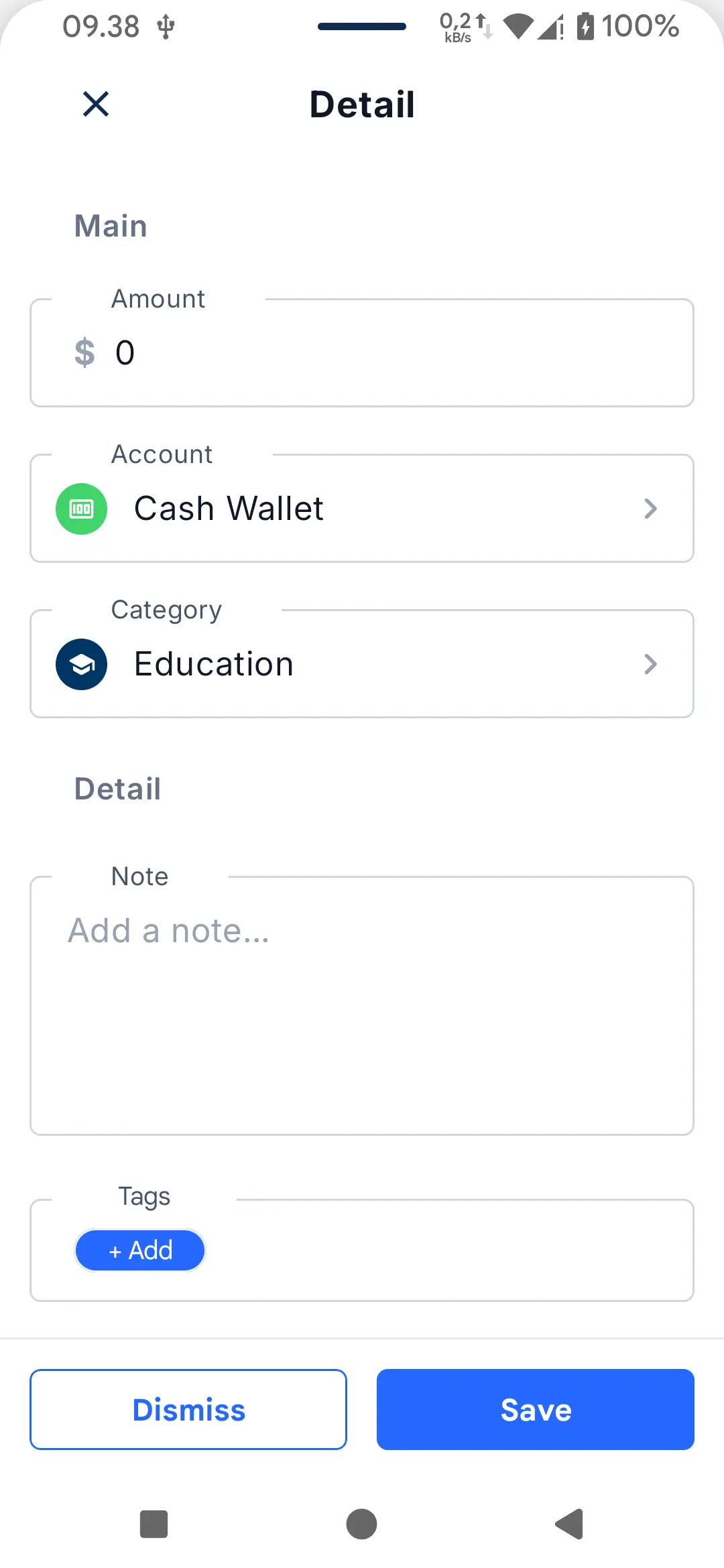
  • Finanxy transaction entry showing a real accounting entry between two accounts
  • Finanxy budget screen with a progress bar near its monthly limit
  • Finanxy Cashier Mode showing a focused product list for fast order entry
  • Finanxy product detail with variants and per-outlet stock counts
  • Finanxy sync and backup screen showing Premium cloud sync

How it works

Three steps. One minute.

  1. Install

    Get Finanxy from Google Play. The app is free and works on Android 8.0 and above.

  2. Sign in with Google

    We use Google sign-in to keep things simple. Your data stays on your device by default.

  3. Create your first journal

    Pick Personal, Family, or Business. Your first journal comes with a starter chart of accounts and categories.

Simple pricing

The whole app is free to start. Premium adds cloud sync when you want it.

Free

$0 forever

Everything you need to start.

  • All personal finance features
  • Full point-of-sale in a Business journal
  • On-device storage and offline-first
  • CSV import and export
  • Encrypted backup and restore
  • Google Drive as a backup destination
  • Biometric app lock
Get Finanxy — Free
Premium

$4.99 per month

or $39.99 / year (save 33%)

Unlock cloud sync across devices.

  • Cloud sync (multi-device, multi-user)
  • Push and pull workers for cross-device convergence
  • Sync across journal members
  • Premium-managed business quota
  • Cancel anytime

Security and trust

Every claim below is supported by something concrete in the app.

Offline-first. Your data is on your device.

All data is stored locally. The app is fully usable with no network.

Encrypted backups.

Encrypted, authenticated archives. Restore validates the payload before any destructive action.

Strict & atomic CSV import.

Missing fields and unresolved references are validation errors, never silent drops.

No silent data loss.

Conflicts are surfaced (take server's, keep mine, edit and retry). Restore is full-replace and pre-validated.

Multi-currency with decimal precision.

Money values keep their exact precision end to end. No rounding errors.

One-tap sign-in.

Google sign-in on Android. No password to remember, no email to verify.

Genuine-device check.

Compromised or tampered devices are blocked from sign-in. Your data stays out of the wrong hands.

Conflict-surfacing sync.

Push is conflict-aware, pull is resumable. Premium only.

Languages and platforms

What we ship today, and what's coming next.

Android

Main

The primary platform. Google Play is the main distribution channel.

iOS

Coming soon

On the roadmap. We're building a native iOS app for the same Finanxy experience.

Desktop

Low priority

Useful for business POS. macOS, Windows, and Linux distributions.

Languages

  • English Shipped
  • Bahasa Indonesia Shipped

Frequently asked questions

Honest answers. If something here changes, we update it.

  • Does Finanxy move money or hold my account?

    No. Finanxy is a record-keeping app, not a bank. We never move your money, hold it, or connect to your bank. You record what you do, the app stores it, and you can take it with you at any time.

  • Where is my data stored? Is it really offline?

    On your device first. The app works with no network. Cloud backup to Google Drive and multi-device sync are optional, and require a Premium subscription.

  • Is iOS coming?

    Yes, iOS is on the roadmap. We aren't committing to a date yet. Drop your email to the waitlist and we'll let you know when it ships.

  • What's Premium, and what does it cost?

    Premium unlocks cloud sync across devices and across journal members. $4.99 a month, or $39.99 a year. Cancel anytime from your store account.

  • Can I import from another app?

    Yes. Export your data as CSV, then import. The import runs in your journal, validates every row, and rolls back on any error.

  • Does it support multiple currencies?

    Yes. Each account has its own currency, and the math is right to the cent.

  • How do I back up and restore?

    On Free, export an encrypted archive to Google Drive from the in-app backup screen. On Premium, your data syncs automatically across devices. Restore is full-replace and validated before any change.

  • How do I report a bug or request a feature?

    Email us at the address on the Contact page. We read every report and reply when we can.

Be the first to try Finanxy.

Personal finance and a real point-of-sale toolkit, in one app that works without internet and never silently overwrites your data.

Get it on Google Play
iOS — coming soonApp Store